Soundframe
Your audio, everywhere video runs.
Soundframe turns audio, a companion still, a script, or any mix into a CTV-ready video creative. Run it on connected TV, online video, and in-app interstitial inventory with sound-on bias targeting and Waveband Signal household attribution. Publisher-declared placements, not a mute guarantee.
Before and after: the same spot, rendered
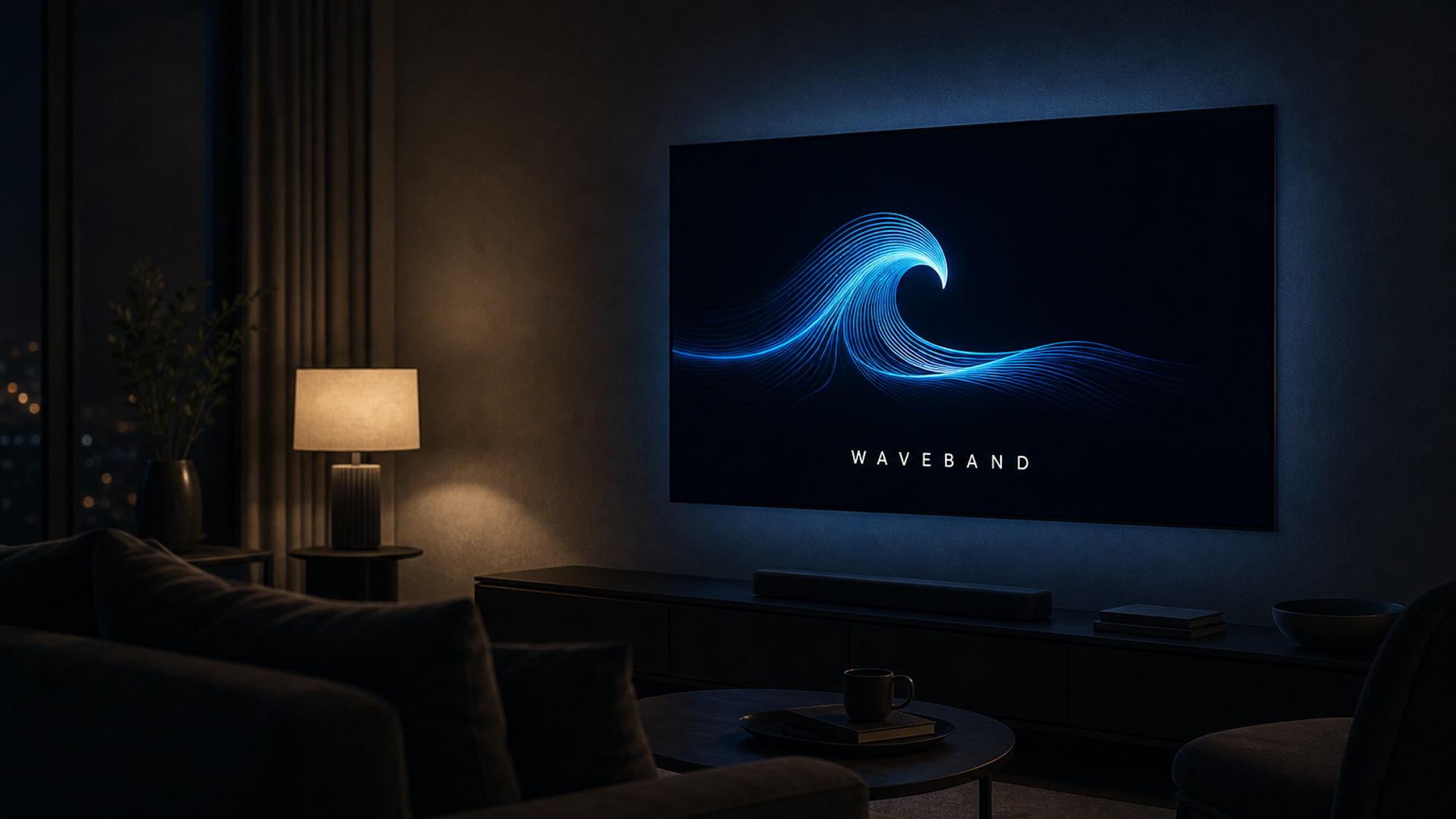
Left: a Waveband promo VO plus companion still at digital/CTV lengths (:06 bumper, :15, :30). Right: the Soundframe render of those exact inputs (H.264/AAC, 1920×1080), muted by default with a sound toggle. Turn sound on to hear the spot.
Before
After (Soundframe)
How it works
1. Bring inputs
Audio (≤90s), a companion still, a script, an image prompt, or any mix. No full video desk required.
2. Render and check
We render a 1920×1080 H.264 video, run the same creative checks as any VAST asset, and sync it to the seat.
3. Traffic and measure
Attach to CTV or OLV. Optional sound-on bias. Signal pixels, quartiles, and household attribution on CTV.
Where it runs
Connected TV
Living-room video slots. Sound is on by environment. Household attribution via Signal.
Online video
In-stream and out-stream VAST. Sound-on bias prefers video interstitial placements.
In-app interstitial
Mobile video interstitial inventory reachable through the seat. Publisher-declared, not SDK-guaranteed.
Specs: up to 90s audio · 1920×1080 output · VAST video creative · sound-on bias = interstitial video placements (publisher-declared).
What this replaces
Audio inventory is scarce, and classic audio creatives stall when the seat cannot traffic them.
Soundframe renders audio into a standard video creative. It attaches to CTV and OLV line items on the same self-serve seat.
You want living-room and in-app reach without rebuilding the spot as a full video production.
Bring audio, a still, a script, or any mix. We generate what is missing, render a 1920×1080 video, traffic it as VAST, and measure with Signal quartiles and household attribution on CTV.
Sound-on claims are usually marketing theater.
We bias to video interstitial placements (publisher-declared) and say so plainly. CTV is structurally sound-on; OLV and in-app are biased, not guaranteed.
FAQ
Is sound guaranteed?
No. CTV is structurally sound-on. On OLV and in-app we bias to publisher-declared video interstitial placements. We never claim a device mute guarantee.
What do I need to supply?
Enough to make a spot: an audio file or a voiceover script (with target duration), and a companion image or an image prompt. A script alone can drive both. Soundframe renders a 1920×1080 video ready for VAST trafficking.
How is it measured?
Same as other video: Waveband Signal impression pixels, VAST quartile events, and household attribution on CTV. Clicks apply on clickable channels like OLV.
Can buyers on other DSPs use the sound-on shelf?
Yes via /formats/sound-on. Activate in Waveband, or request a deal ID for your existing seat. External issuance is fulfilled by our team through a curation partner.
Run audio where video already works
Start on Waveband, or request sound-on deals for the DSP seat you already use.